Download free starter stories
72 graded stories, A1 to C2, from the app's starter library. Free to download, no signup.
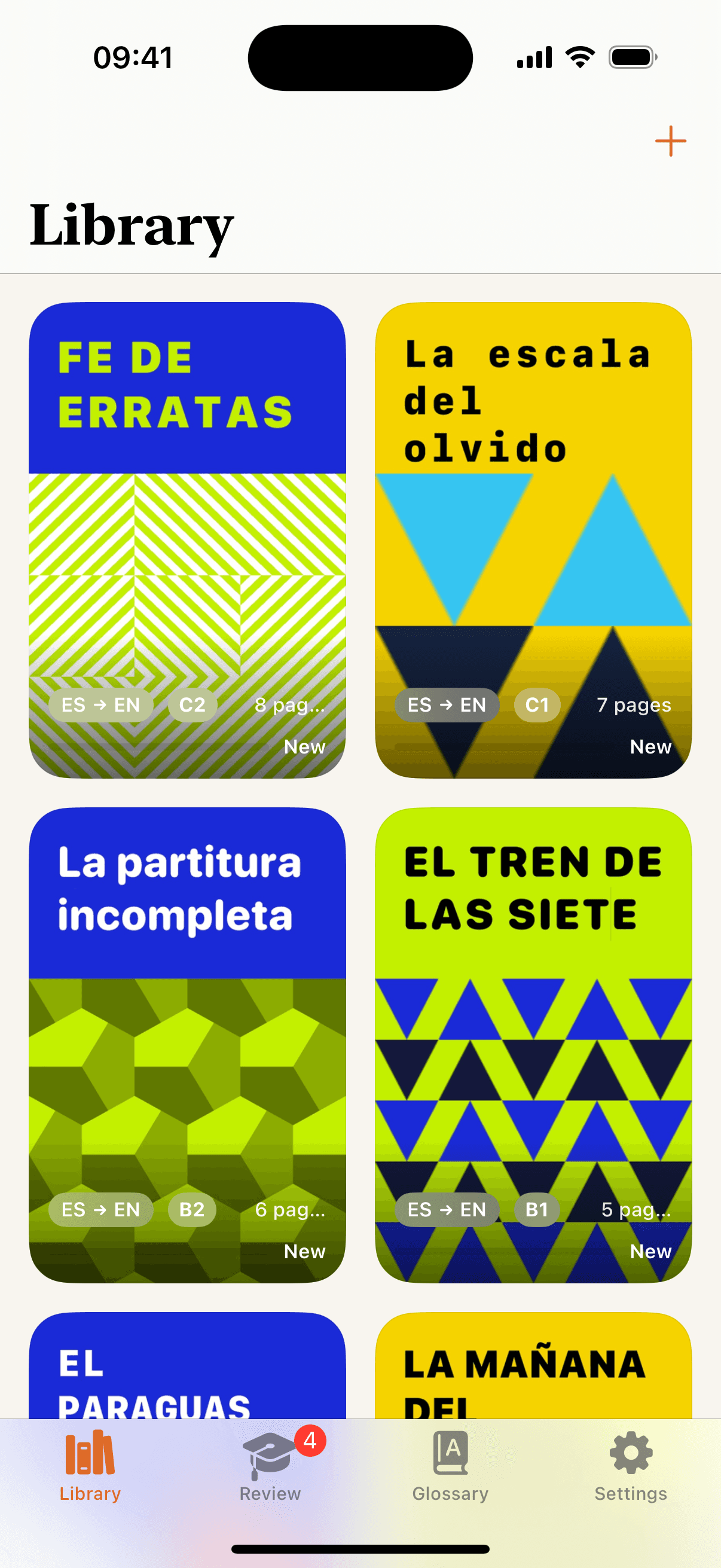
Stories, made to keep
Every story in oqou can become a keepsake: a cover designed just for it, the text typeset in the reader's own serif type, and a vocabulary appendix built from the words you saved while reading.
 Get oqou for iPhone and iPad
A sample export
Every export opens with a cover generated just for that story. No two look alike, so your reading turns into a shelf you're proud of, even on paper.
The story itself is typeset in the same warm serif oqou uses for reading, laid out cleanly for printing or for a tablet screen, not a raw text dump.
At the back, a glossary of the words you saved while reading that story, topped up with a few auto-picked tricky words and their translations, so the export doubles as a study sheet.
A closing page credits the story and the export, a quiet finishing touch, the kind you'd find at the back of a real book.
72 graded stories, A1 to C2, from the app's starter library. Free to download, no signup.
oqou ProPro
Exporting any of oqou's starter stories, the graded readers built into every language, is free for everyone: pick one and try the export for yourself. oqou Pro unlocks PDF export for everything you import, your own books, articles, and PDFs, plus richer AI explanations and premium read-aloud voices.
Exporting one of oqou's starter stories, the graded readers included with every language, is free for everyone. Exporting a story you've imported yourself needs oqou Pro.
Yes. You can export any story: the built-in starter stories for free, and anything you import, books, articles, or your own PDFs, with oqou Pro.
The oqou app for iPhone or iPad. Starter stories export free; exporting your own imported stories needs oqou Pro. Open any story, then export it as a PDF from the reader.